Cloud-Based vs. On-Premises PMS: Which Is Right for You?
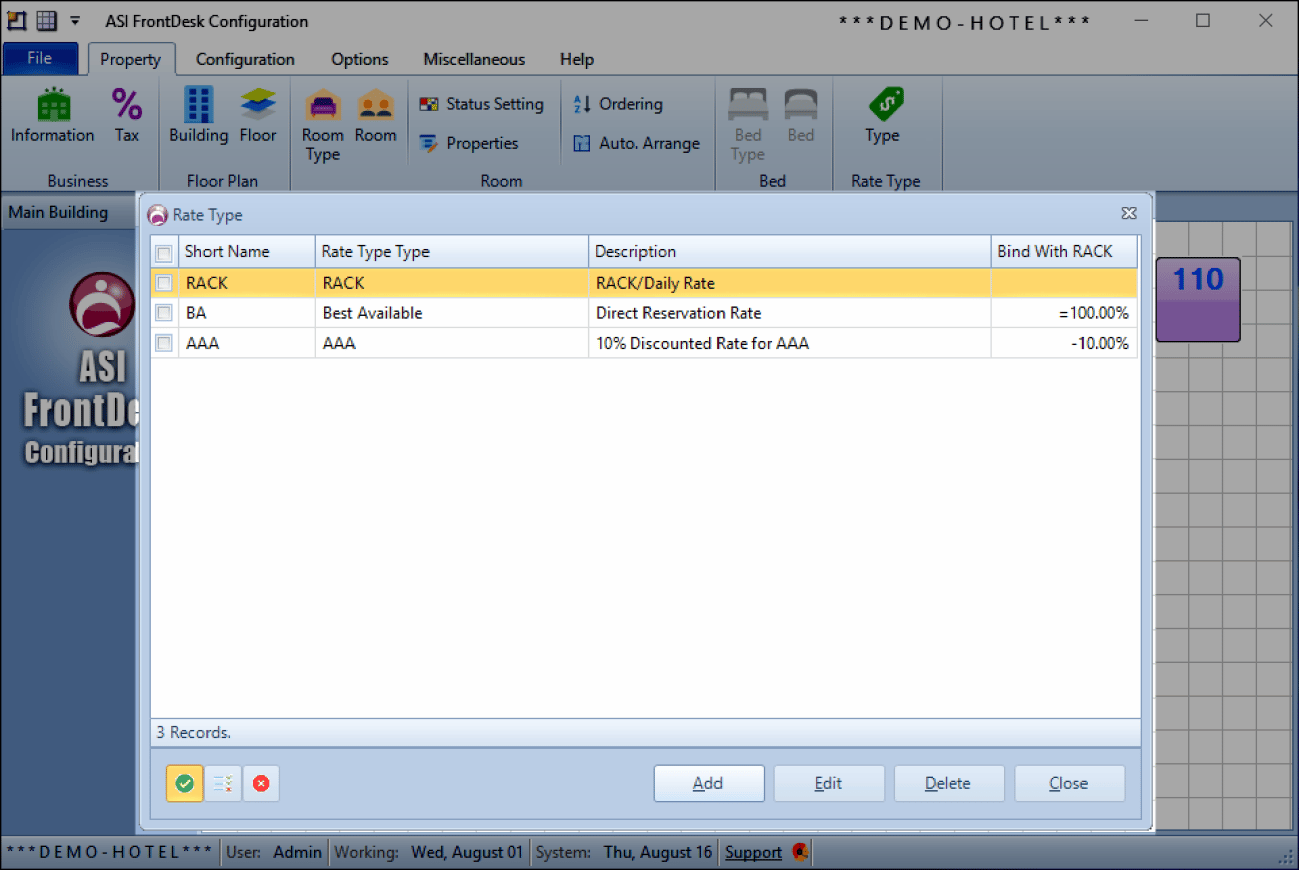
Discover the pros and cons of cloud-based vs. on-premises PMS systems to determine the best fit for your hotel's needs, budget, and future growth.
.png?width=50&height=50&name=management%20(1).png)
Control reservations, guest data, and operations from one platform.

Keep track of room availability, rates, and guest check-ins in real time.

Generate reports that provide insight into your property's performance.

With ASI PMS, hotels of all sizes can increase operational efficiency, reduce manual work, and enhance guest satisfaction.
Setting up your ASI PMS account is quick and straightforward. Here’s how you can get started:
- Visit [ASI PMS Signup](#) and fill out the registration form with your property’s details.
- You will receive a confirmation email with your login credentials.
-Navigate to the ASI PMS login page and enter the credentials provided via email.
- Upon your first login, you will be prompted to change your password and set up a security question for additional protection.-Go to the “Settings” tab and update your property details, including name, address, and contact information.
- Set up roles for different users, such as front desk staff, housekeeping, or management, with appropriate access levels.-Under the “Room Management” section, input your property’s room categories, descriptions, and rates.
- Add any amenities or special features that guests might find valuable.

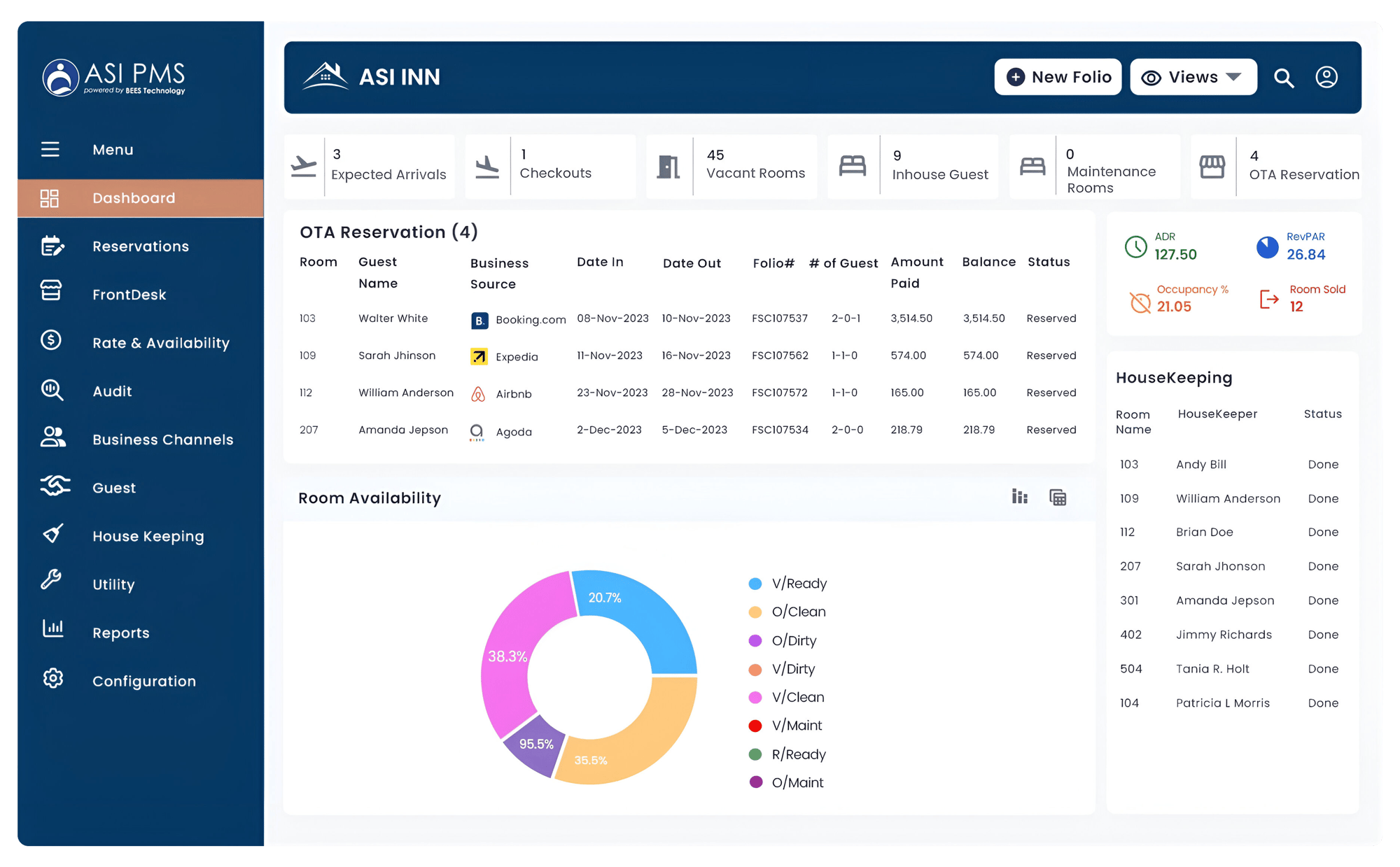
The home screen provides a quick overview of daily operations, including check-ins, check-outs, and housekeeping statuses.
You can easily view real-time room availability and a calendar of upcoming reservations.

Manage individual or group bookings, assign rooms, and process guest check-ins/check-outs efficiently.
Modify, cancel, or update reservations as needed, with all changes reflected in real-time.
Access a range of reports, including daily revenue, occupancy rates, and housekeeping performance.
Here are some best practices to help you navigate and use ASI PMS efficiently:
🔔Set Up Notifications: Enable email or SMS notifications to stay informed about important events like guest arrivals, cancellations, and overbookings.
🏵️Customize the Dashboard: Modify your dashboard view to highlight the features you use most frequently. This will streamline daily operations and save time.
🏨Regularly Update Room Rates: Make sure to update room rates and availability regularly, especially during peak seasons or promotional periods, to maximize revenue.
Getting started with ASI PMS is simple, and the system is designed to be intuitive even for beginners. By following this guide, you’ll be able to set up your property’s account, navigate the dashboard, and start managing your operations smoothly. For more advanced features and tips, feel free to explore the resources available in the ASI PMS knowledge base.
Discover the pros and cons of cloud-based vs. on-premises PMS systems to determine the best fit for your hotel's needs, budget, and future growth.
Find essential Hotel PMS features, Automation, Cloud Access, Real-time Analytics, Guest Personalization, Integrations, and Mobile Usability. Boost...
Discover how hotels are streamlining daily operations in 2026, from real-time room status to centralized rates and reporting, and why the right...